
Software Update Group Status per Collection
Come and get the Software Update Group Status Report while it’s hot!
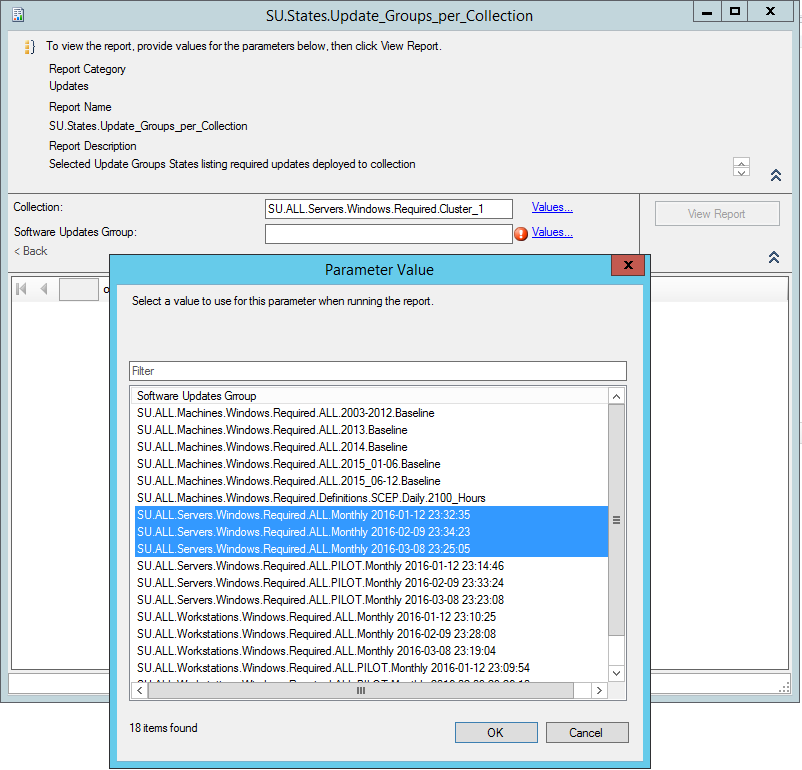
Looking at the built-in reports I did not find anything that will show the status of one or more software update groups per Collection so I decided to build one myself.
Since we deploy monthly updates to one big machine collection and then we have separate collections with individual Maintenance Windows we need to know each collection member compliance and also provide a as “live” as possible progress report during the Maintenance Window.
This “live” requirement, proved one of the biggest challenges, because building a optimised query/report that requires low resources in order to be able to run every 10 mins and not be to much of a drag on the SQL server is quite time consuming.
So without further ado…
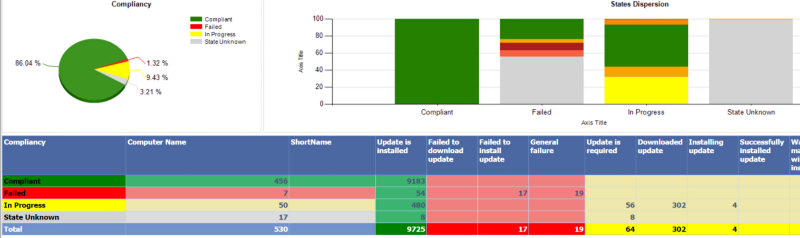
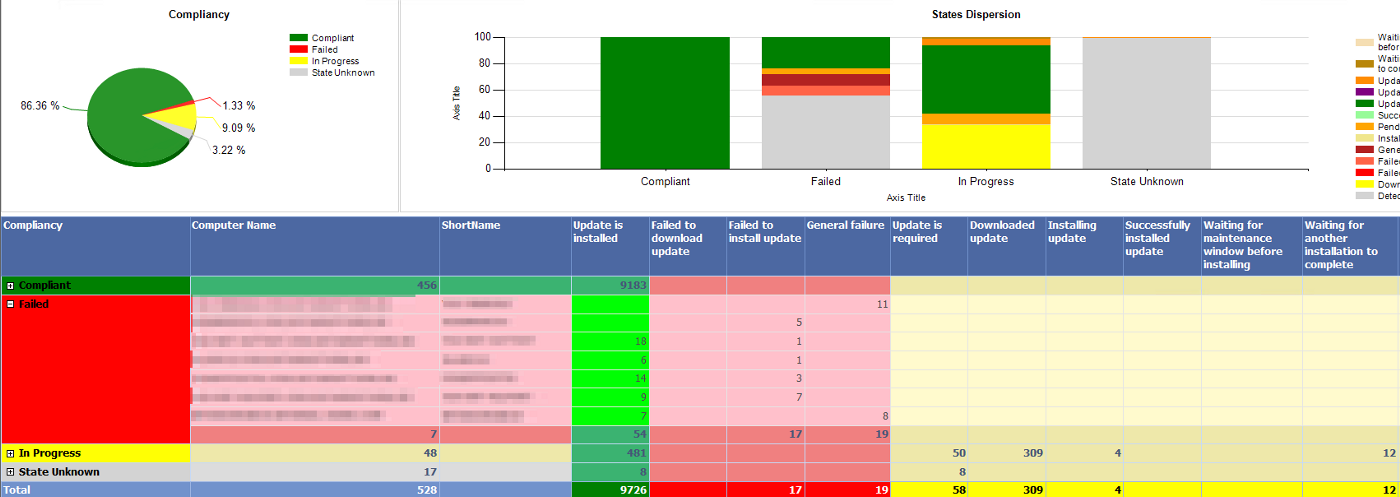
This is how it looks:
Here are the queries:
Here is the Report: SU-States-SUGs_Deployed_to_Collection.rdl
Don’t forget to change the DataSource!